Agentic AI — Building, Optimizing & Operationalizing Agents
A one-day, hands-on coding workshop on the open-source Microsoft Agent Framework (Python).
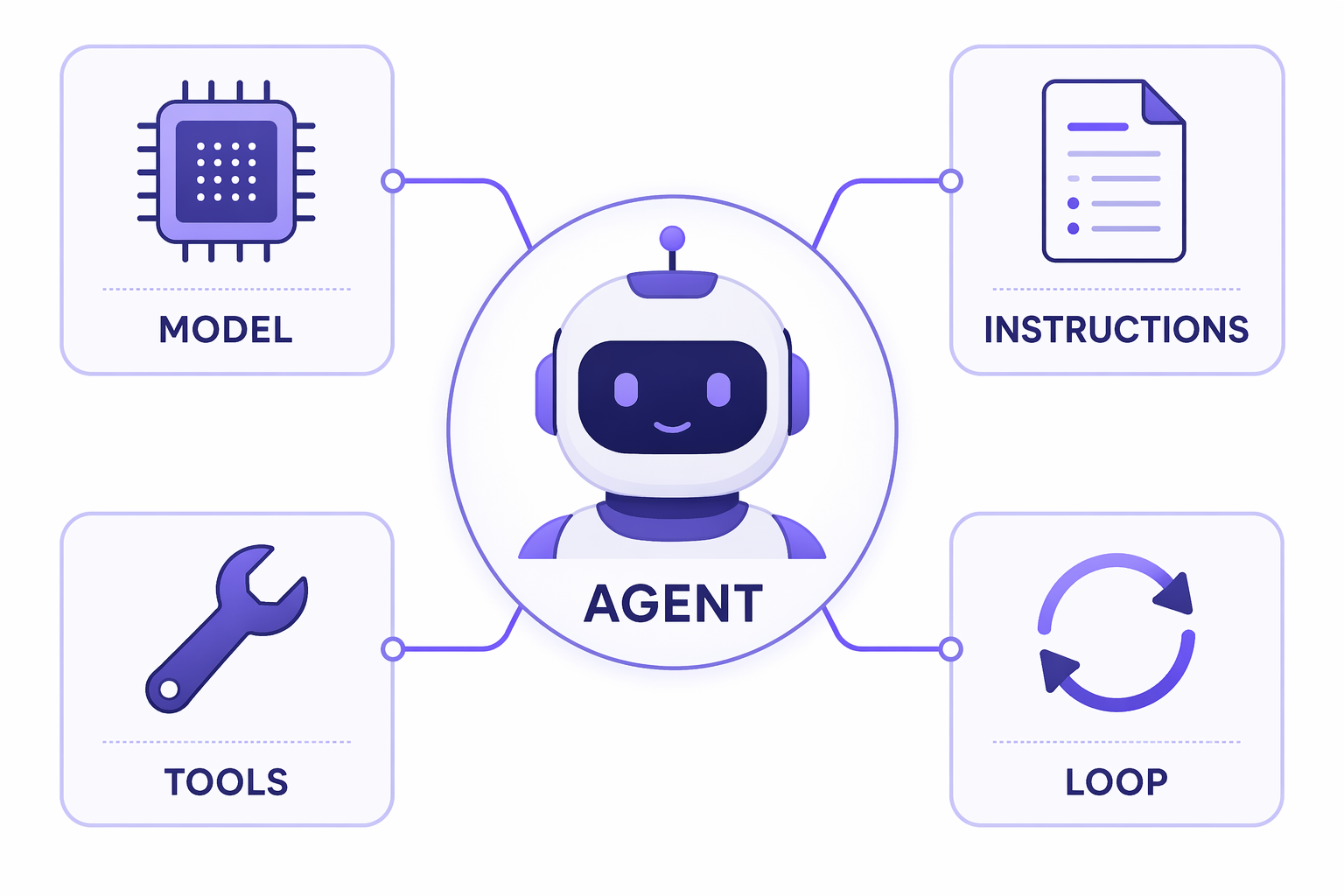
Welcome! By the end of today you will have built a real agent from first principles — and you will understand why each piece exists. We start from a single LLM call and end with a fully-assembled agent harness: tools, memory, planning, multi-agent orchestration, evaluation, and observability.
Everything here is code-first and provider-agnostic. Pick your model backend — Azure AI Foundry, OpenAI, Azure OpenAI, Anthropic, Ollama, AWS Bedrock, or Google Gemini — and run the exact same notebooks. You change one environment variable, not your code.
What you'll build
| Module | You'll learn to… |
|---|---|
| M1 · Your First Agent | Create and run an agent; understand the agent loop and streaming. |
| M2 · Tools & Function Calling | Give the agent "hands" with function tools, MCP servers, and approvals. |
| M3 · Context Engineering | Manage what goes into the context window: sessions, memory, skills, compaction. |
| M4 · The Agent Harness ★ | Assemble the full harness with create_harness_agent: todos, plan/execute modes, skills, durable memory. |
| M5 · Multi-Agent Orchestration | Coordinate many agents: sequential, concurrent, handoff, group chat, workflows. |
| M6 · Evaluating & Optimizing | Measure agent quality against a golden dataset and close the optimization loop. |
| M7 · Operationalizing | Trace, log, and guard agents with OpenTelemetry and middleware. |
| M8 · Capstone & Hosting | Combine everything into one app; explore A2A and hosting paths. |
★ = the centerpiece of the day.
Agenda at a glance
| Time | Session | Format |
|---|---|---|
| before today | Setup — install, pick a provider, smoke test | Self-paced |
| 9:00 – 9:30 | What is agentic AI? Agents vs. chatbots; the harness | Lecture |
| 9:30 – 10:30 | M1 · Your First Agent | Lab |
| 10:45 – 11:45 | M2 · Tools & Function Calling | Lab |
| 11:45 – 12:30 | M3 · Context Engineering | Lab |
| 13:15 – 14:15 | M4 · The Agent Harness ★ | Lab |
| 14:15 – 15:15 | M5 · Multi-Agent Orchestration | Lab |
| 15:30 – 16:15 | M6 · Evaluating & Optimizing | Lab |
| 16:15 – 17:00 | M7 · Operationalizing + wrap-up | Lab + Lecture |
| after today | M8 · Capstone & Hosting | Self-paced |
How to use this site
- Start with Setup — do this before the workshop. It takes ~15 minutes.
- Read Concepts for the mental model that ties the labs together.
- Work through the labs in order (M1 → M8). Each notebook is self-contained and has a "🧪 Your turn" exercise at the end.
Run it yourself, anytime
Every lab is a Jupyter notebook. Use the Download link at the top of each lab page to run it locally, or open the repo in your editor. The labs are designed to be completed without an instructor — so you can revisit them later.
Prerequisites
- Python 3.10+ and basic Python experience
- A model provider account (one of: Azure AI Foundry, OpenAI, Azure OpenAI, Anthropic, AWS Bedrock, Google Gemini) or a local Ollama install
- ~15 minutes to complete Setup
Ready? → Set up your environment